
Roblox V0.1
Production chains: mine, road, truck, factory
Checked 15 October 2026 · version notes for Roblox V0.1 where they apply
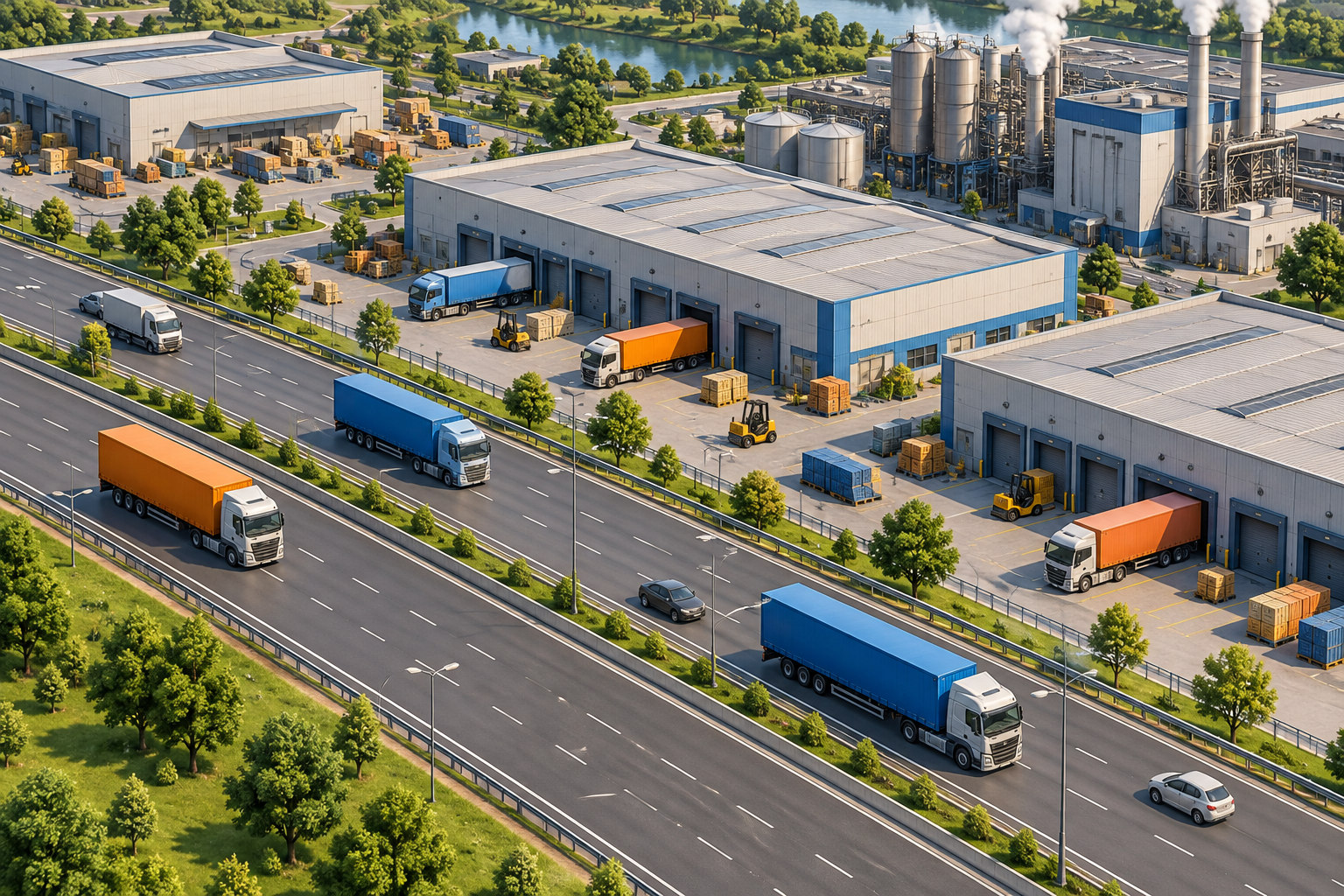
The chain
The official description names resources, production, factories, and vehicles. Community guides fill the arrows. I am keeping the arrows that more than one guide draws the same way, and I am not attaching a number to any arrow.
| Flow | What it feeds | Typical break |
|---|---|---|
| Iron → steel | Heavy buildings, vehicles, arms | Steel called the main bottleneck; it was rebalanced once (community) |
| Fuel | Mechanized units | Vehicles idle |
| Power | Factories and shops | Buildings placed, output zero |
| Water | Population growth | Worker pool frozen |
| Truck deliveries | Factory-local material storage | Check roads, local stock and queued orders; spawning unverified |
How I break a stalled chain
Inspect road access, factory-local input stores, utility warnings, staffing and the production queue. These are observations that distinguish a missing input from an empty order queue; they are not a guaranteed repair or a truck spawning method.
A “can’t build” message is often the same chain failing one step earlier: no steel, no road footprint, or no power on the pad. Check those before you look for a restart control, which is not documented.
Questions
Is there an official production calculator?
Not for this Roblox place. A calculator on buildnconquer.wiki belongs to the separate WDVLD mobile game. Do not paste those rates into a Roblox city.
What are the per-minute yields?
Not published. This page will not reprint undated rates from a wiki table.
Sources checked 15 October 2026
- Roblox game page — Build and Conquer [V0.1] — Official description, place 103767961452227. Checked 15 October 2026.
- Build and Conquer Wiki — community resources — Community production and resource overview, checked 15 October 2026. Recipes and limits are not official values.
- Build and Conquer Wiki — dated truck delivery review — Checked 15 October 2026. Describes roads, local factory inventory and queue observations; explicitly leaves acquisition, spawn rules and cap unverified.
This guide is for the Roblox experience. Looking for the mobile Empire City game?